SoftwareGlimpse
Livestorm logo

Livestorm Review

MARKETING & GROWTH SOFTWARE

Choose Livestorm when webinars and virtual events for marketing teams are the primary job — especially if you want browser-based rooms and pay-for-attendees pricing.

Last updated 2026-08-17Independent editorial review
  • Free plan

    No

  • Free trial

    Yes

  • Best for

    Marketing teams running webinars and virtual product events

  • Company size

    SMB → Mid-market

SoftwareGlimpse review

6.8/10

Average

  • ease of use8
  • campaign content7
  • marketing automation6
  • funnel conversion7
  • analytics attribution8
  • brand monitoring2
How we score →
By Lee M.FounderReviewed

See Livestorm in action

Official vendor demonstration of product surfaces. It supplements screenshots and editorial analysis — it is not independent SoftwareGlimpse testing.

This video is hosted on YouTube

This content is hosted by YouTube. The player loads only after you allow marketing cookies.

Official vendor video

Experience an end-to-end video engagement platform - Livestorm

How Livestorm presents the product in an official vendor video.

What this shows

  • Livestorm end-to-end video engagement overview
  • Webinar and event workflow as marketed by Livestorm
Pricing

Verified 2026-08-17 from livestorm.co/pricing/. Pro: €2.50 per attendee credit (yearly credit packs; 1 credit per unique participant per session for live/replay/on-demand; team members not counted; no-shows not charged). Pro highlights: up to 4 hours/session, unlimited events/recording/team members, up to 3,000 live attendees/event, standard multilingual support. Enterprise: custom (up to 12 hours/session, enterprise integrations, custom analytics, dedicated CS, VIP support/SLA). Free trial CTA on pricing. Add-ons include AI Studio, live translations, SSO, restreaming, etc. Do not invent USD monthly starting prices — model is usage/credit-based in EUR.Full pricing details →
  • Pro

    Most popular

    €2.50

    per credit

    €2.50 per attendee credit (yearly packs). Up to 4h/session; unlimited events, recording, team members; up to 3,000 live attendees/event.

    • maxLiveAttendeesPerEvent: 3000
    • maxSessionHours: 4
  • Enterprise

    Custom

    Contact sales

    Custom attendee packaging; up to 12h/session; enterprise CRM integrations; custom analytics; dedicated CS; VIP support & SLA.

Product screenshots

Verified captures from Livestorm's product interface.

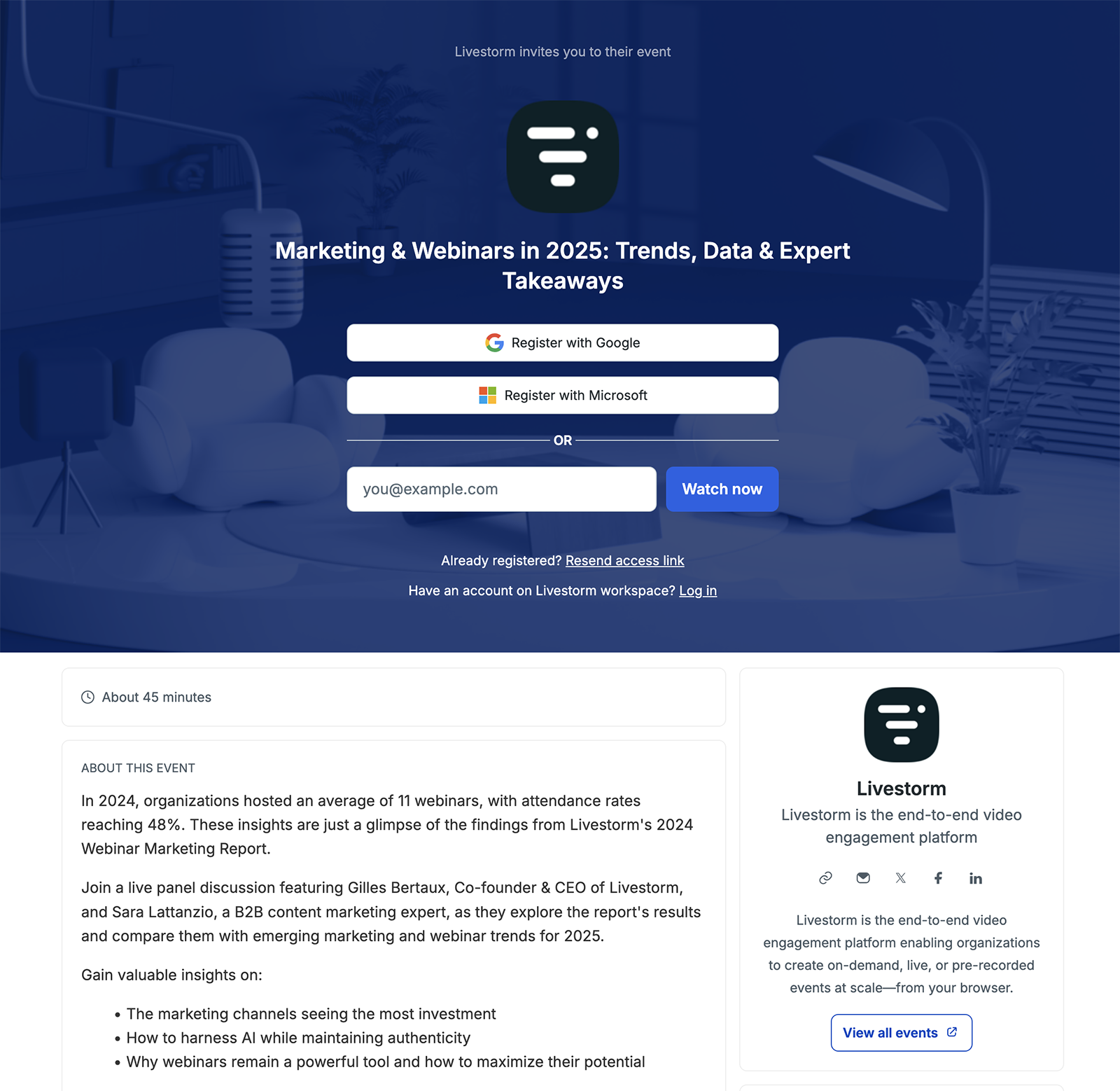
Livestorm webinar registration page

Registration page UI from official Livestorm marketing content.

Official Livestorm marketing UI asset

https://livestorm.co/blog/what-is-a-webinar · Checked 2026-08-17

How Livestorm works

SoftwareGlimpse teaching diagrams grounded in product concepts — not vendor UI screenshots.

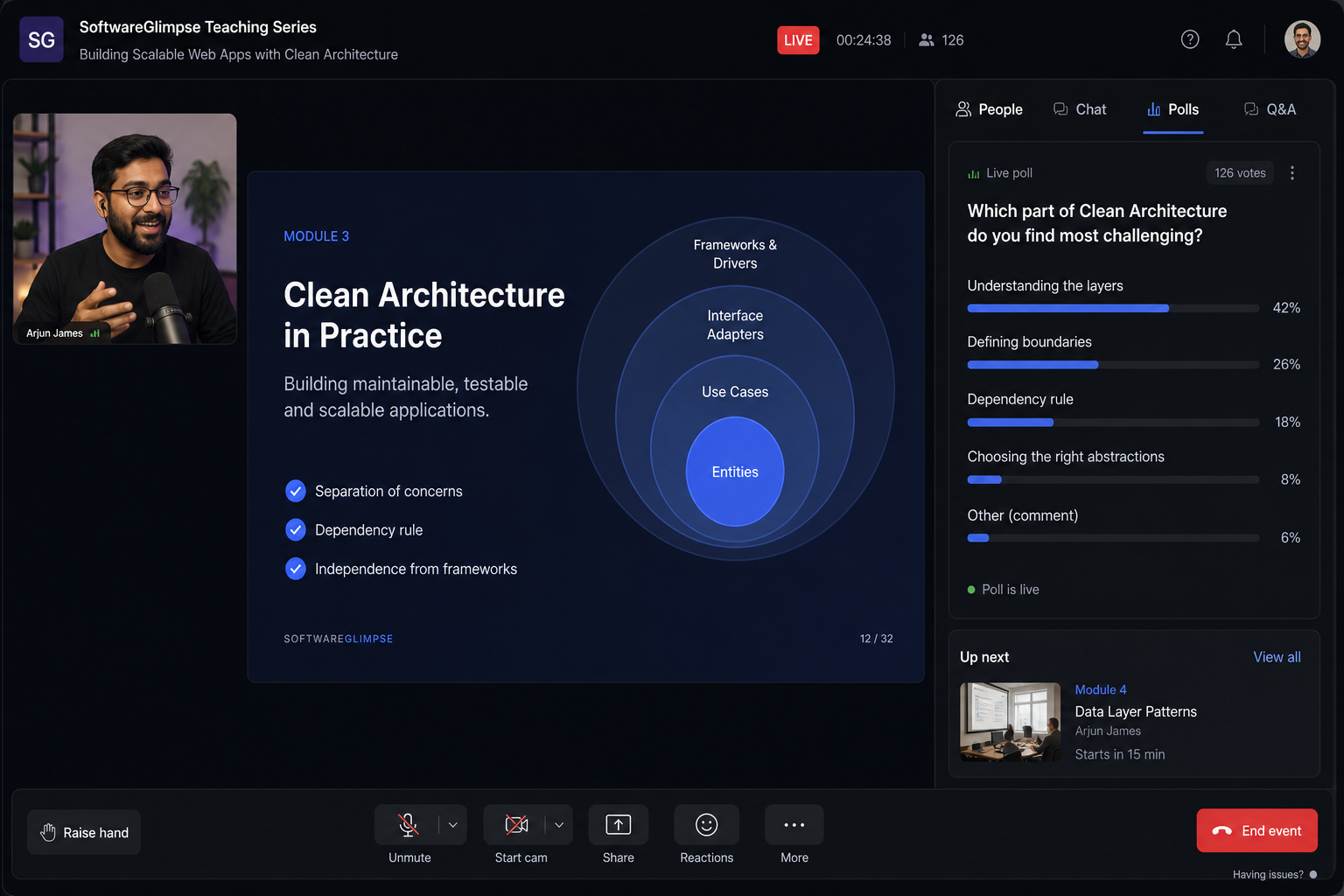
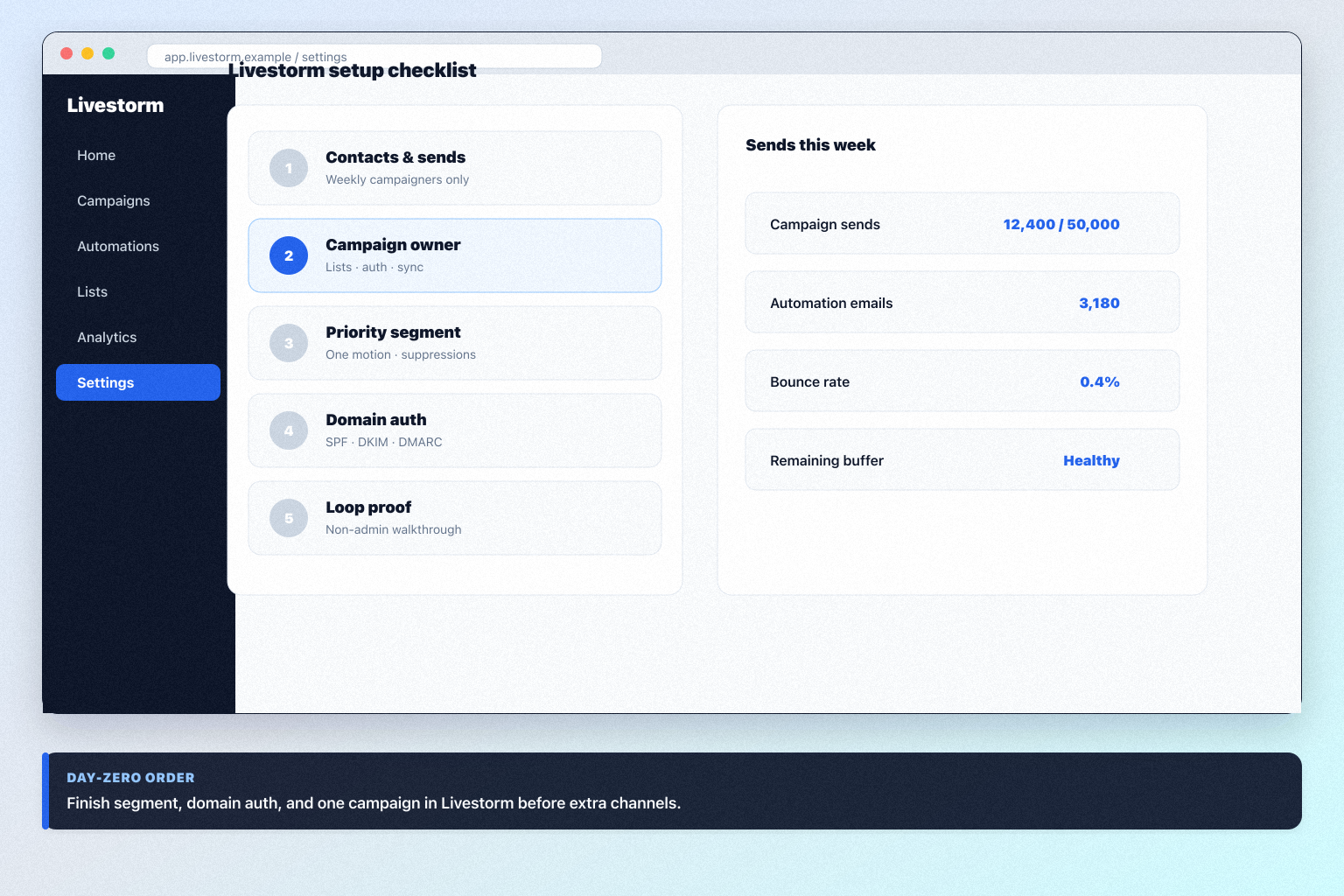
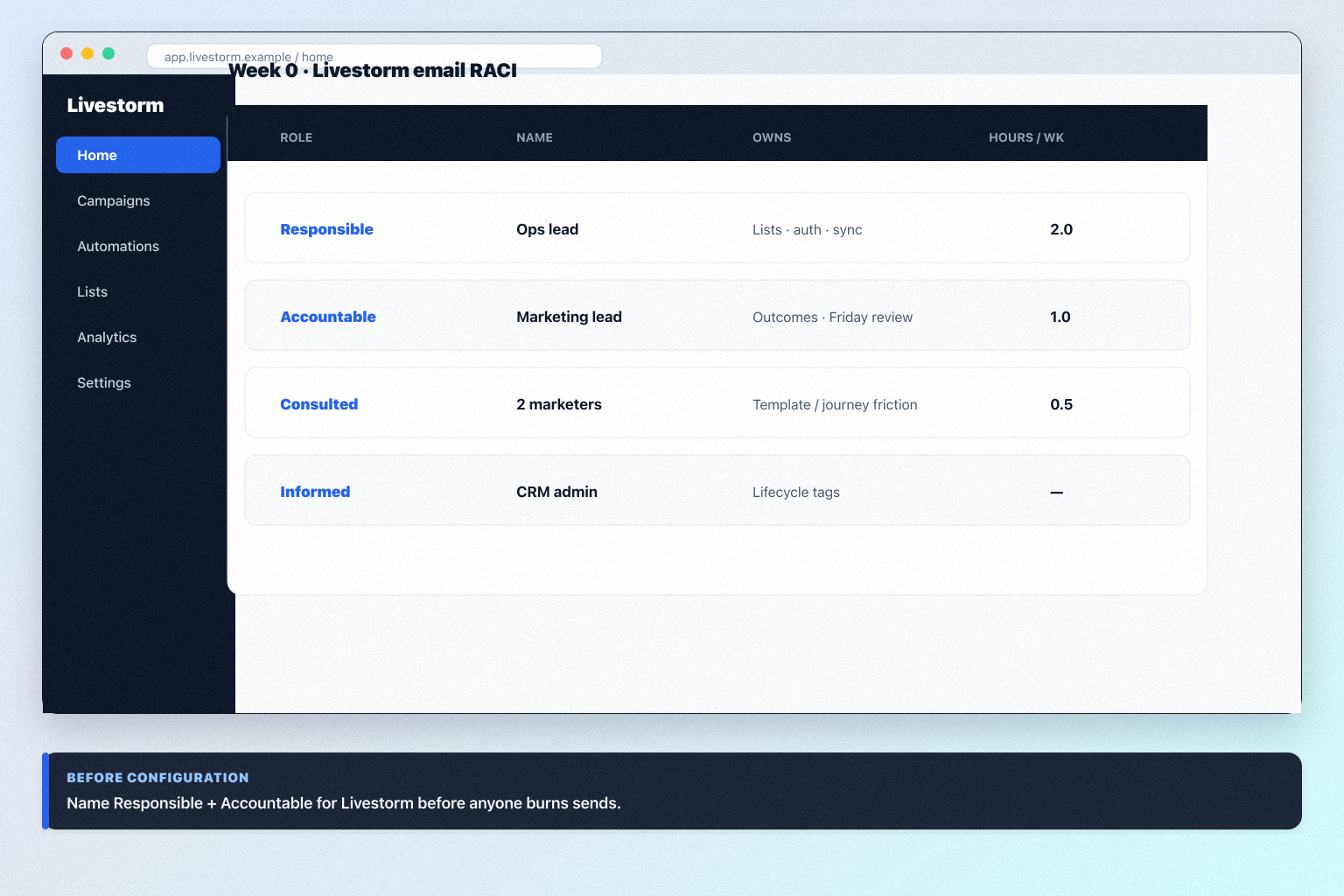
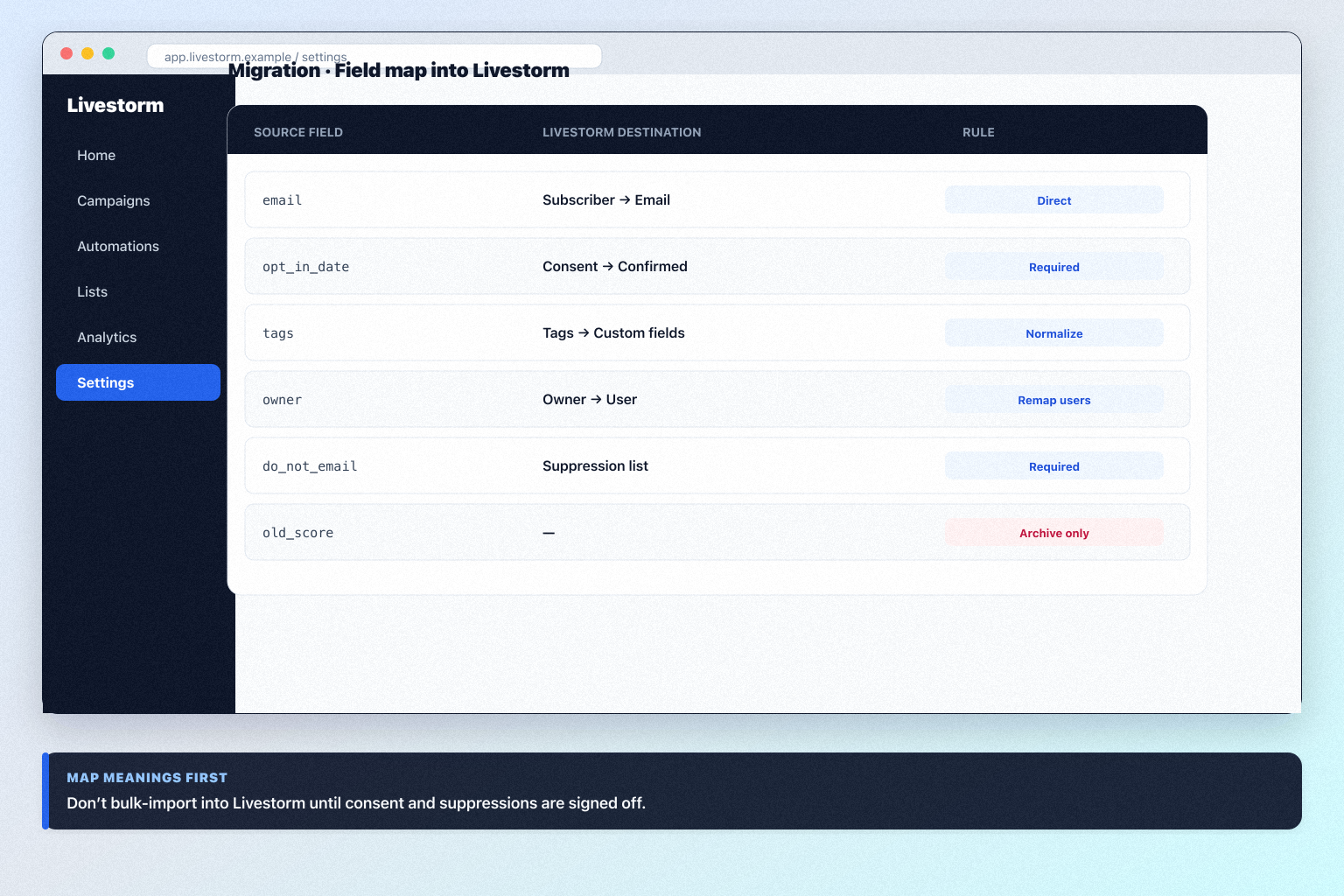
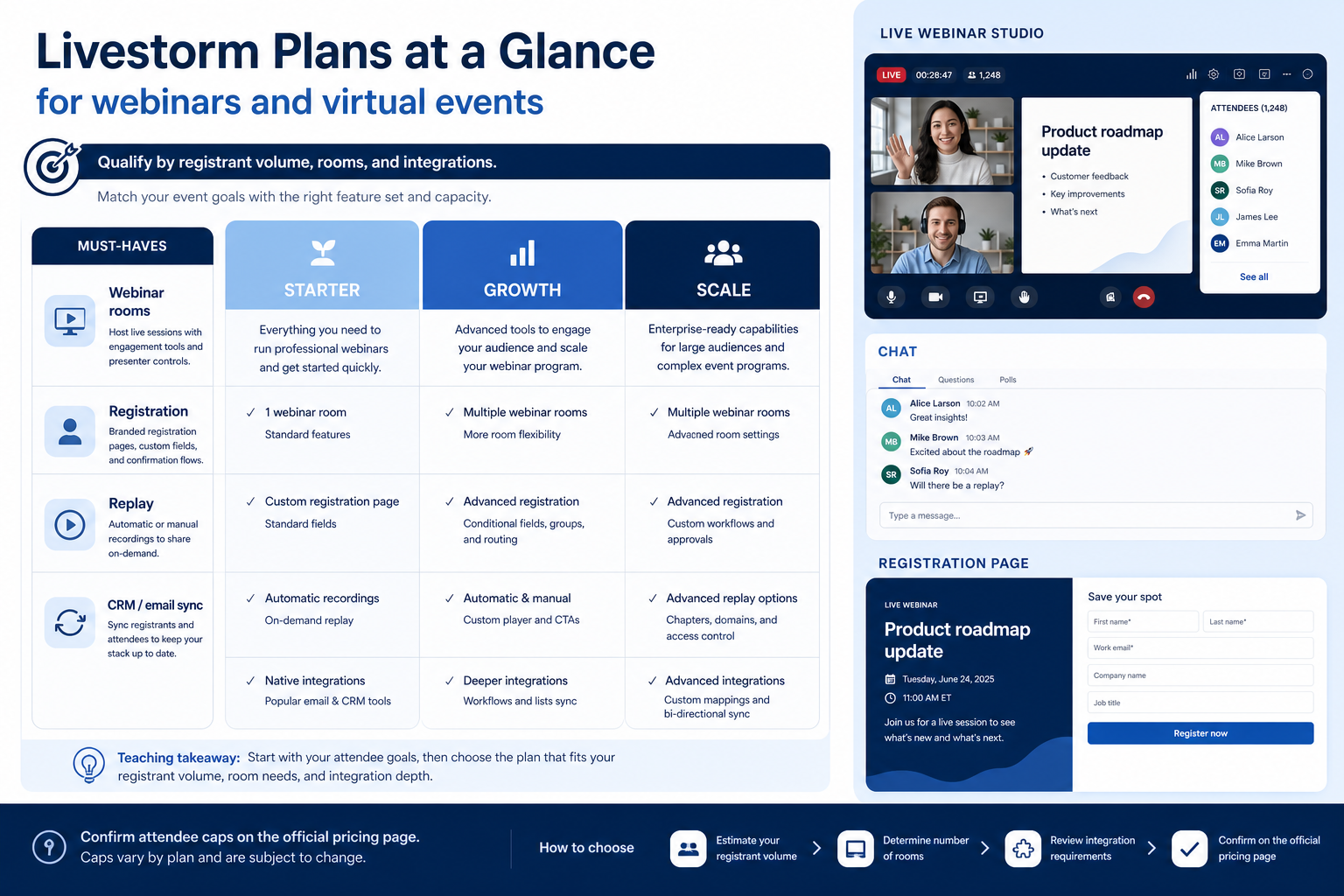
Teaching UI mockup of a Livestorm-style workspace for webinars and virtual events

SoftwareGlimpse teaching visual for Livestorm webinars and virtual events concepts (not a vendor screenshot).

SoftwareGlimpse original teaching visual — grounded in first-party product concepts; not a vendor UI capture

https://softwareglimpse.com/software/livestorm/ · Checked 2026-08-17

Our verdict

Choose Livestorm when webinars and virtual events for marketing teams are the primary job — especially if you want browser-based rooms and pay-for-attendees pricing. Compare Kartra when you need funnels/email/courses beyond events, Freshmarketer for marketing automation journeys, and SocialBee if social scheduling is the primary need. Scores reflect first-party documentation as of 2026-08-17 — not hands-on product testing. Confirm current packaging on the vendor site before purchase.

Best for

  • Marketing teams running webinars and virtual product events
  • Teams wanting browser-based events with CRM-connected registration
  • Organizations preferring attendee-credit pricing over host seats

Not ideal for

  • Buyers needing social scheduling or brand listening as the core product
  • Teams wanting an LMS/course platform (see LearnWorlds) or full ESP
  • Orgs that need deep MA journeys without a connected automation tool

Bottom line

Pro from €2.50 per attendee credit (yearly packs; 1 credit per unique participant per session). Enterprise custom. Free trial available. Confirm current packaging on livestorm.co/pricing/ — do not assume a published USD monthly floor.

Livestorm pros and cons

Pros

  • Pay only for actual attendees (no-shows and team members free)
  • Browser-based rooms with strong engagement features
  • Registration pages, email cadences, and UTM analytics
  • HubSpot native; enterprise CRM suite on higher plan
  • EU-hosted, ISO 27001 and GDPR positioning

Cons

  • Credit-pack pricing needs volume forecasting
  • Pro session cap at 4 hours
  • Enterprise required for several CRM integrations
  • Not an ESP, LMS, or social suite
  • Add-ons (AI Studio, translations, SSO) can expand cost

Pricing comparison

Full comparison →
 Livestorm(this review)ZoomMicrosoft TeamsCisco WebexKartra
Starting price$15.00/user/month$0.00/user/month$14.50/user/month$59.00/user/month
Free planNoYesYesYesNo
Free trialYesYesYesYesYes

Use cases for Livestorm

Livestorm may not be the best fit if…

  • · Buyers needing social scheduling or brand listening as the core product
  • · Teams wanting an LMS/course platform (see LearnWorlds) or full ESP
  • · Orgs that need deep MA journeys without a connected automation tool

Livestorm guides

Setup, implementation, migration, plans, and worth-it walkthroughs for this product.

Methodology disclosure: scores and recommendations follow SoftwareGlimpse evaluation criteria (version 1.0.0). Affiliate relationships do not determine rankings.

How we recommend: product claims are tied to recorded research where available.

AI-assisted disclosure: drafts may be AI-assisted from approved facts and assessments. Humans approve publishable editorial judgments. AI does not invent live prices or claim hands-on testing.